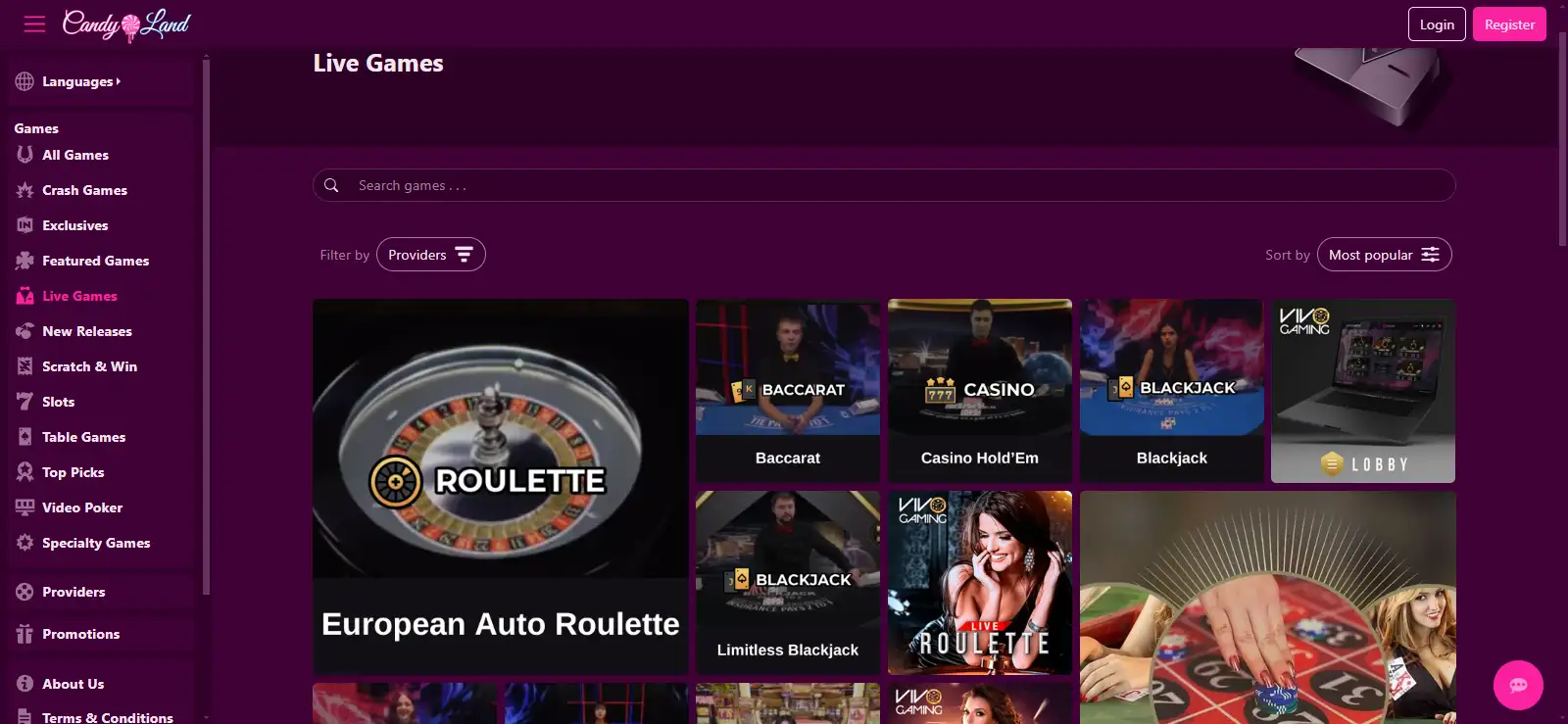
Candyland Casino Mobile: Browser Play on iPhone and Android
 Available in GB
Candyland works through mobile browsers on iOS and Android and does not offer a native iPhone or Android app. The normal route is the official website in Safari, Chrome or another modern browser, so there is no need to install an unofficial APK or third-party download.
A mobile-optimised website can provide games and account access without installing software. Saving the site to a home screen creates a shortcut, not a native App Store or Google Play application.
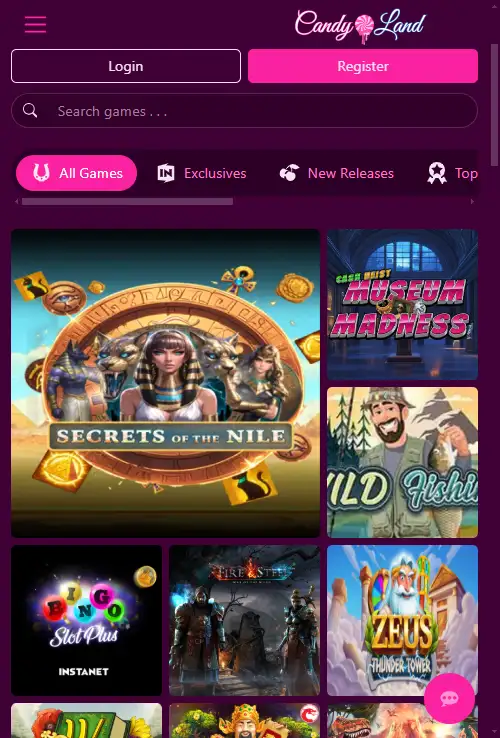
Table of Contents
- Does Candyland have an iPhone or Android app?
- Use the official Candyland domain on mobile
- What to test on Candyland mobile before depositing
- Games on mobile: check your own catalogue
- Live dealer on a phone
- Registration and account setup on mobile
- Mobile banking and support
- What browser-based access means in practice
- Registration and banking do not become separate mobile rules
- Support is available without an app
- Using Candyland on a phone
Does Candyland have an iPhone or Android app?
Candyland does not have a native iOS or Android app. The supported route is browser play. That means an iPhone user can open the official site in Safari, while an Android user can use Chrome or another modern browser without installing casino software.
This is not a disadvantage by itself. Browser-based casinos avoid app updates and storage use, and they can deliver the same account through one URL across devices. The trade-off is that you should not expect native-app features merely because the site can be saved to a home screen. A shortcut is still a browser shortcut, not proof of an installed App Store or Google Play application.
If a search result or download page offers a “Candyland APK”, confirm that Candyland itself publishes that route before installing anything. An unofficial download is unnecessary for normal mobile access.
Use the official Candyland domain on mobile
For mobile play, open candyland.casino directly and check the address bar before entering account details. A search ad, mirror page or download portal is not equivalent just because it uses Candyland branding.
A secure connection is only one part of the check. Make sure the page uses the official Candyland domain. If another site asks you to install a profile, sideload an application or download an APK that Candyland does not mention, do not proceed with the installation.
What to test on Candyland mobile before depositing
On the phone you plan to use, test Candyland before you add money:
- Open the game lobby and confirm that search or category navigation remains easy to use on a small screen.
- Rotate the device if you intend to play landscape games and check that controls are not cut off.
- Open at least one game you actually care about rather than judging performance from the homepage.
- Check whether account, cashier and support controls are easy to reach without excessive scrolling.
- Return to the address bar before entering credentials if the site has opened a new tab or redirected you.
Mobile performance can vary by device, connection and game. Test the lobby, a game you actually play, the cashier and support controls on your own phone before relying on mobile as your main way to use the casino.
Games on mobile: check your own catalogue
Candyland’s broader catalogue includes slots, table games and live dealer. On mobile, the important question is whether the title you want opens correctly and whether the controls remain usable. See the game library for provider and catalogue details.
Do not assume every desktop title has the same mobile presentation. A provider can make one game fully responsive while another title opens in a fixed orientation or uses different controls. The most useful mobile test is therefore game-specific, especially if you regularly play one studio or one table variant.
Live dealer on a phone
Live casino is available at Candyland, and the browser route means you can check the live section without installing a native app. Live streams are more demanding than a static lobby, so test video clarity, orientation, betting controls and connection stability before making mobile live dealer your main reason to use the site.
The live casino explains the live-specific checks, including table identification, visible limits and why a current lobby view is more reliable than an old title list.
Registration and account setup on mobile
The same mobile browser can be used for account access and registration. Enter personal details only on the official domain and make sure any identity documents are clear before submitting them.
If you plan to create an account from your phone, make sure the browser is on the official domain before entering personal details. The registration covers account opening and KYC.
Mobile banking and support
Candyland provides live chat and states that it is available 24/7. On mobile, check that the chat control and the payment option you need are easy to reach before depositing.
For deposits and withdrawals, use the cashier inside candyland.casino rather than a payment link received from an unrelated page. Country and method availability can differ; see the payments for the banking details.
What browser-based access means in practice
Candyland supports mobile-browser play on iOS and Android. No native iPhone or Android application is listed, so mobile access is through the website rather than an app-store download or APK. Use the official domain in the phone browser for account, game and cashier functions.
The game catalogue on mobile should be treated as a live view rather than assumed to mirror every title mentioned elsewhere. Candyland has a broad slot range, table games and live-dealer play, but individual availability can change. For live dealer specifically, screen size, connection stability and table layout can matter more on a phone than on desktop, so the relevant test is whether the desired table remains usable in the mobile browser.
Registration and banking do not become separate mobile rules
Opening the site on a phone does not create a different account model. Registration still leads into the same verification obligations, and KYC is required before a pending withdrawal is approved. The document categories can include identity, address and payment-related evidence, so account information entered on mobile should be accurate and consistent with documentation that may later be requested.
Banking also follows the account terms rather than a special mobile schedule. Candyland addresses GBP for UK residents, states a general minimum deposit of 5 or 10 EUR equivalent depending on method, and applies a 3% deposit processing fee. Exact cashier options depend on residence. For UK residents, the current terms state that withdrawals are through Bitcoin only, which is a separate consideration from whether depositing in a mobile browser is convenient.
Support is available without an app
Candyland provides live chat support, so a native app is not required to reach the site’s direct support channel. That can be useful for account-specific questions about a cashier option or verification request. Support access, however, does not replace reading the applicable bonus, payment and withdrawal terms before committing funds.
Using Candyland on a phone
Candyland works through mobile browsers on iPhone and Android and does not require a native app. Use the official website, avoid unofficial APK downloads, and test the games and account functions you care about on your own device.
The mobile-browser route is enough to use Candyland without installing an app, although individual games can behave differently from desktop. For the wider casino overview, return to the Candyland review.
Written by the editors at Candyland Casino 1.